Cloud Clinic OS

One workspace. A clearer day for your clinic.

Bring appointments, patient records, clinical work and practice operations together. Give your team the context to move each visit forward, from the first booking to the next follow-up.

A walkthrough tailored to your practice, your team and your priorities.

  • Connected patient records
  • Access by team role
  • Clinical and administrative workflows

Built around your practice

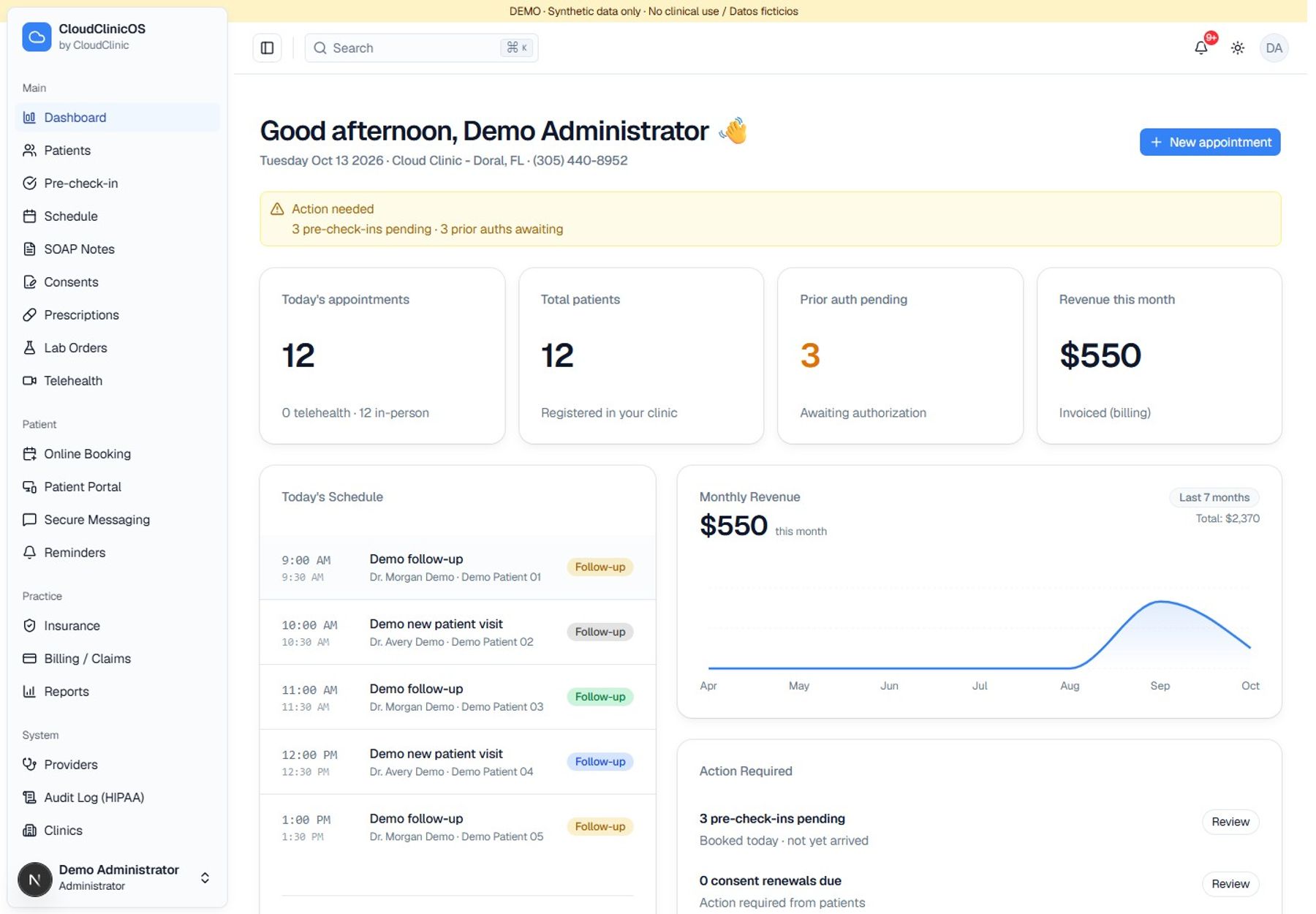
Cloud Clinic OS dashboard. Demonstration interface with synthetic data.

Cloud Clinic OS · Pricing

One plan for your clinic

Your clinic starts with 3 seats. Add doctors and scheduling staff as your team grows; keep one administrator. Implementation is a separate one-time service.

See full pricingSee full pricing

$99/month

  • 1 Doctor
  • 1 Scheduling / secretarial staff
  • 1 Administrator

$99/month per clinic includes 3 seats: 1 doctor, 1 scheduling/secretarial user and 1 administrator. AI, SMS, calls and external tools are paid separately according to usage or provider.

All prices in USD.

Your clinic, connected

Keep the visit moving. Keep your team aligned.

A visit touches reception, providers, billing and follow-up. Cloud Clinic OS brings that work into a shared environment, so your team can find the patient, the appointment and the next action without rebuilding the story in another tool.

Less searching, more context

Appointments, notes, coverage and billing stay connected to the patient record.

Clear handoffs across your team

Reception, providers, nurses and billing staff work with access appropriate to their role.

Software with operational support

Bring your own team, or discuss how Cloud Clinic's medical office support can fit your workflow.

From booking to follow-up

A connected workflow for every visit.

See how the pieces work together in a typical practice day.

  1. 01

    Prepare the visit

    Book the appointment, review intake, track check-in and confirm consent status.

  2. 02

    Deliver and document care

    Open the chart, capture SOAP notes and vitals, and manage prescriptions or lab orders.

  3. 03

    Move the back office forward

    Review coverage, verification status, authorizations and invoice balances.

  4. 04

    Keep the next step visible

    Coordinate messages and reminders, then review activity and operational reports.

A closer look

See the work behind the features.

Explore the screens your team uses to plan the day, document care and keep operations moving.

01

A schedule your whole team can work from.

View the day, week or month, manage appointments by provider and move from the calendar into the next task.

  • Day, week, month and agenda views
  • Appointment status, rescheduling and provider availability
  • Booking, pre-check-in and intake in the same workflow
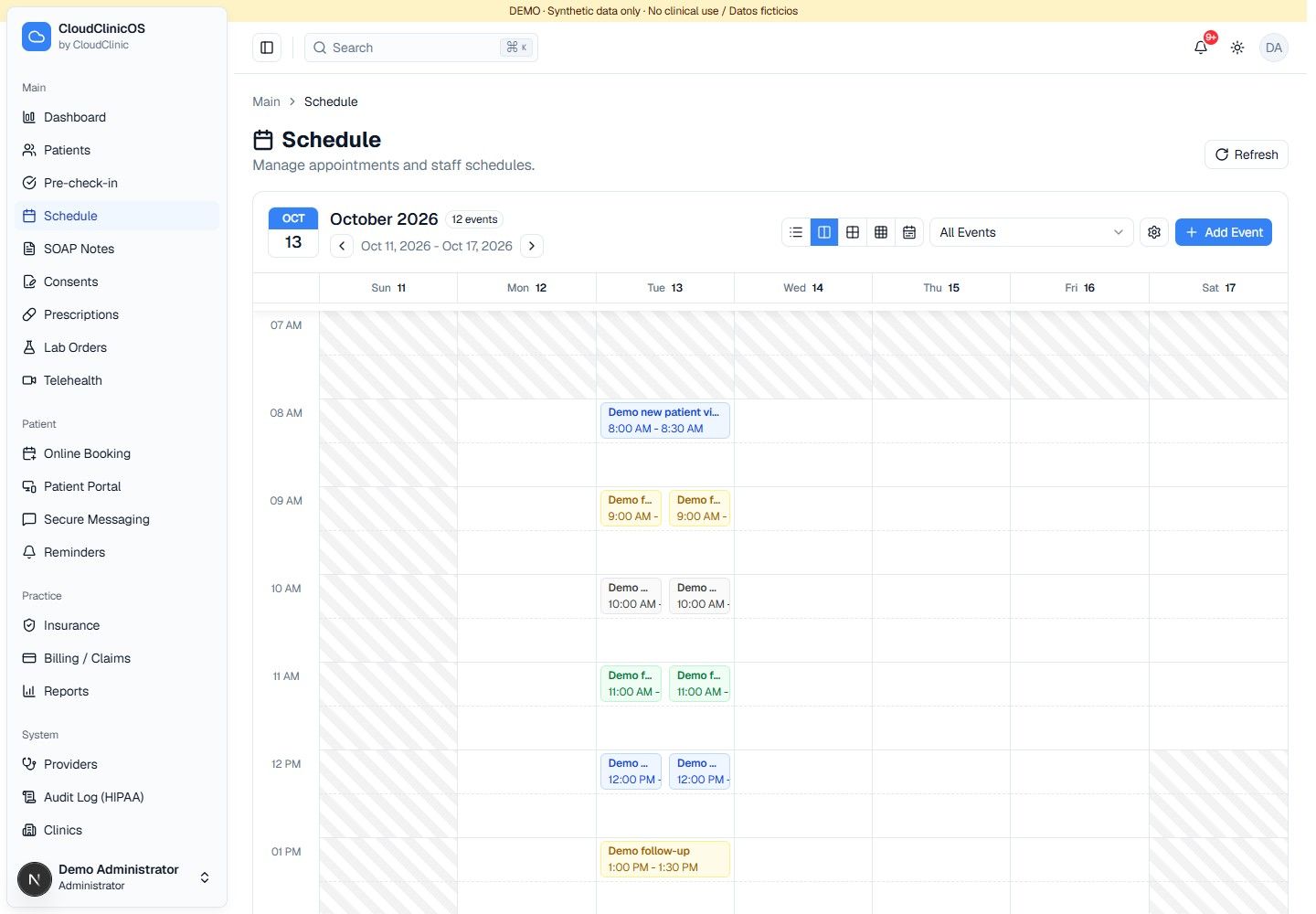
A schedule your whole team can work from.. Demonstration interface with synthetic data.
02

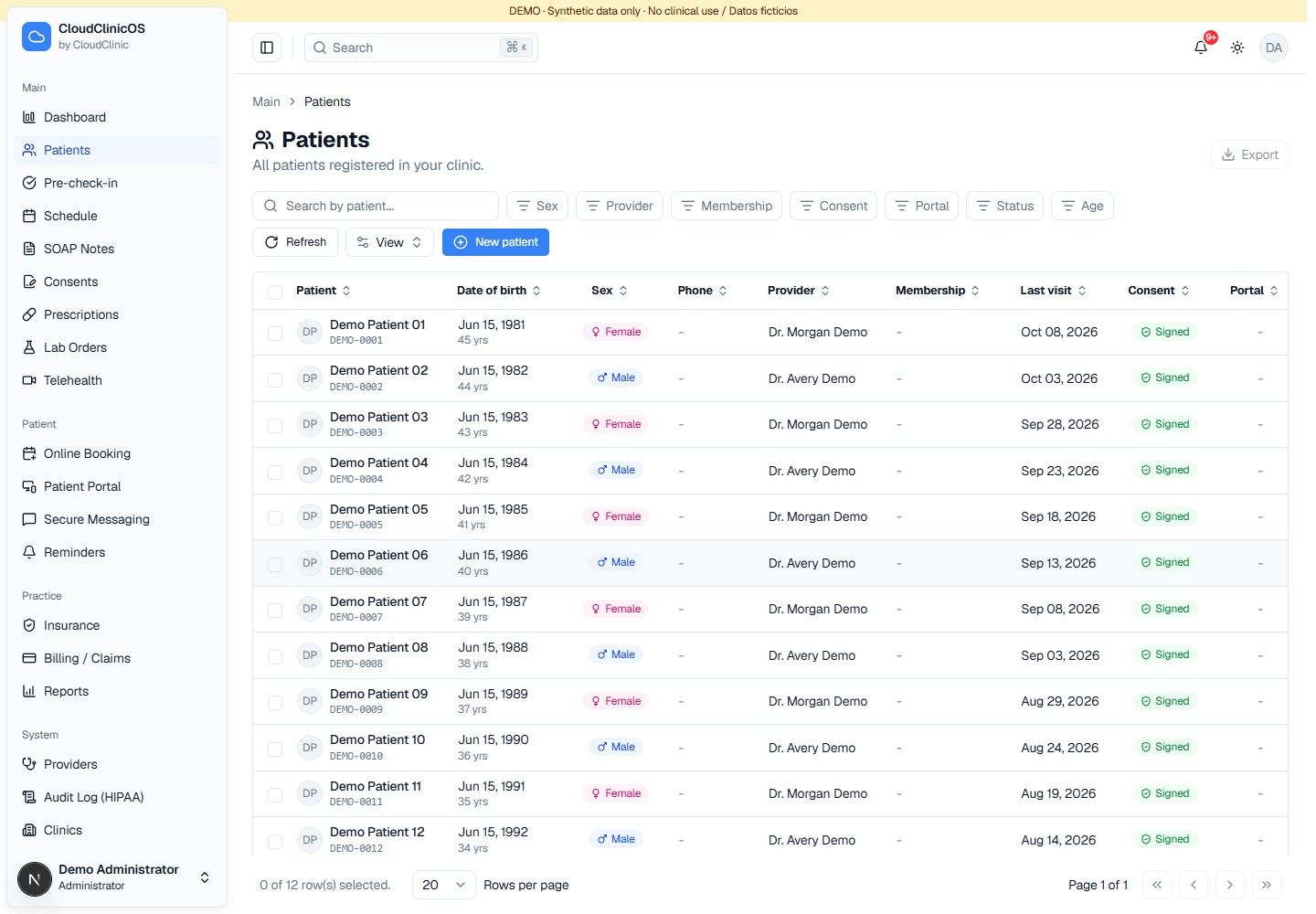
The patient's story, in one place.

Move from demographics to clinical context with a patient record that brings together the information your team needs.

  • Visits, allergies, medications and conditions
  • Coverage, consents, document records and billing history
  • Patient identifiers, assigned providers and active status
The patient's story, in one place.. Demonstration interface with synthetic data.
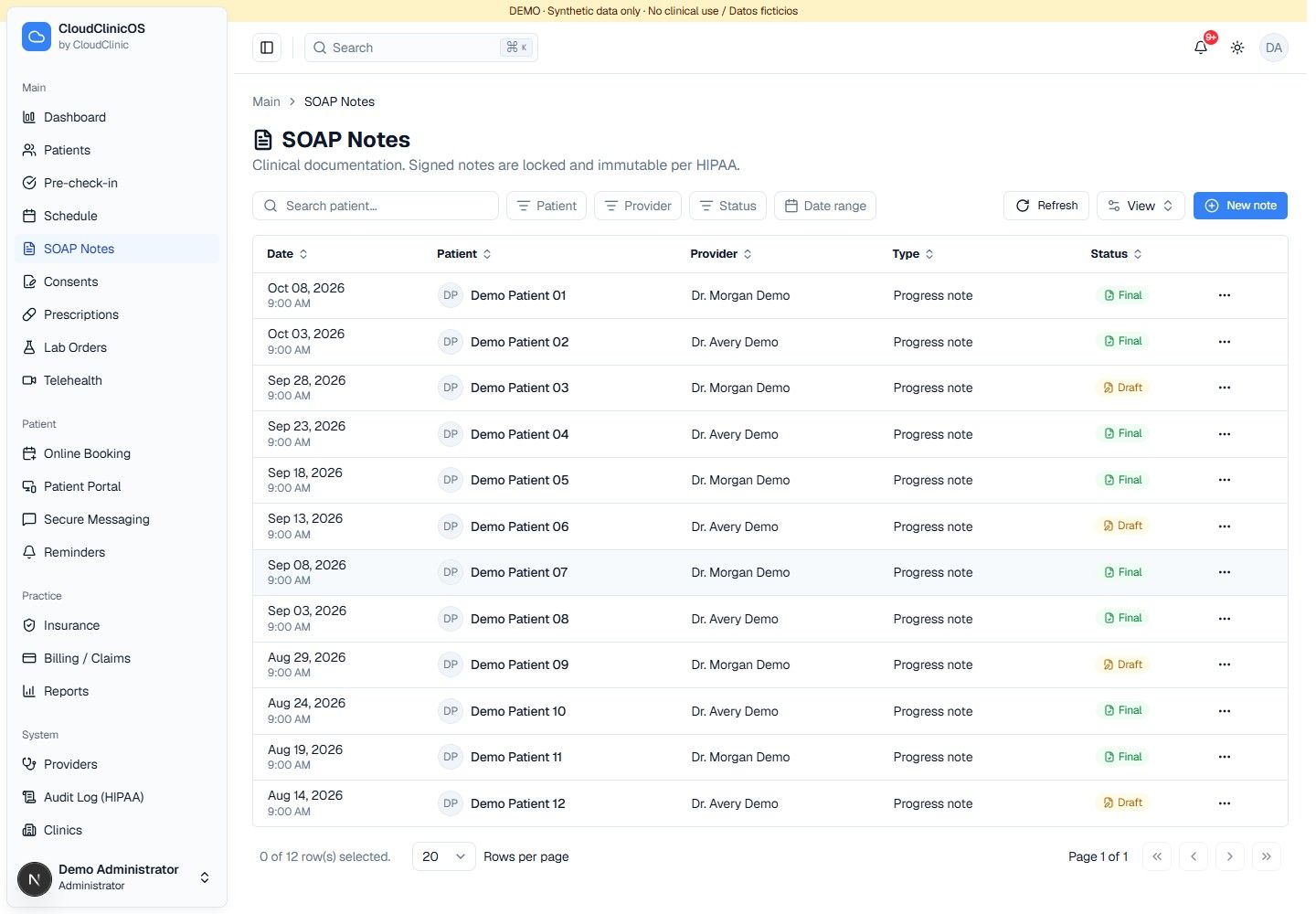
03

Document the visit while the context is fresh.

Create and save SOAP notes, capture vitals, attach diagnosis codes and follow a defined signing and amendment workflow.

  • Draft, sign and amend clinical notes
  • Vitals entry and BMI calculation
  • Prescription records and lab-order tracking
Document the visit while the context is fresh.. Demonstration interface with synthetic data.
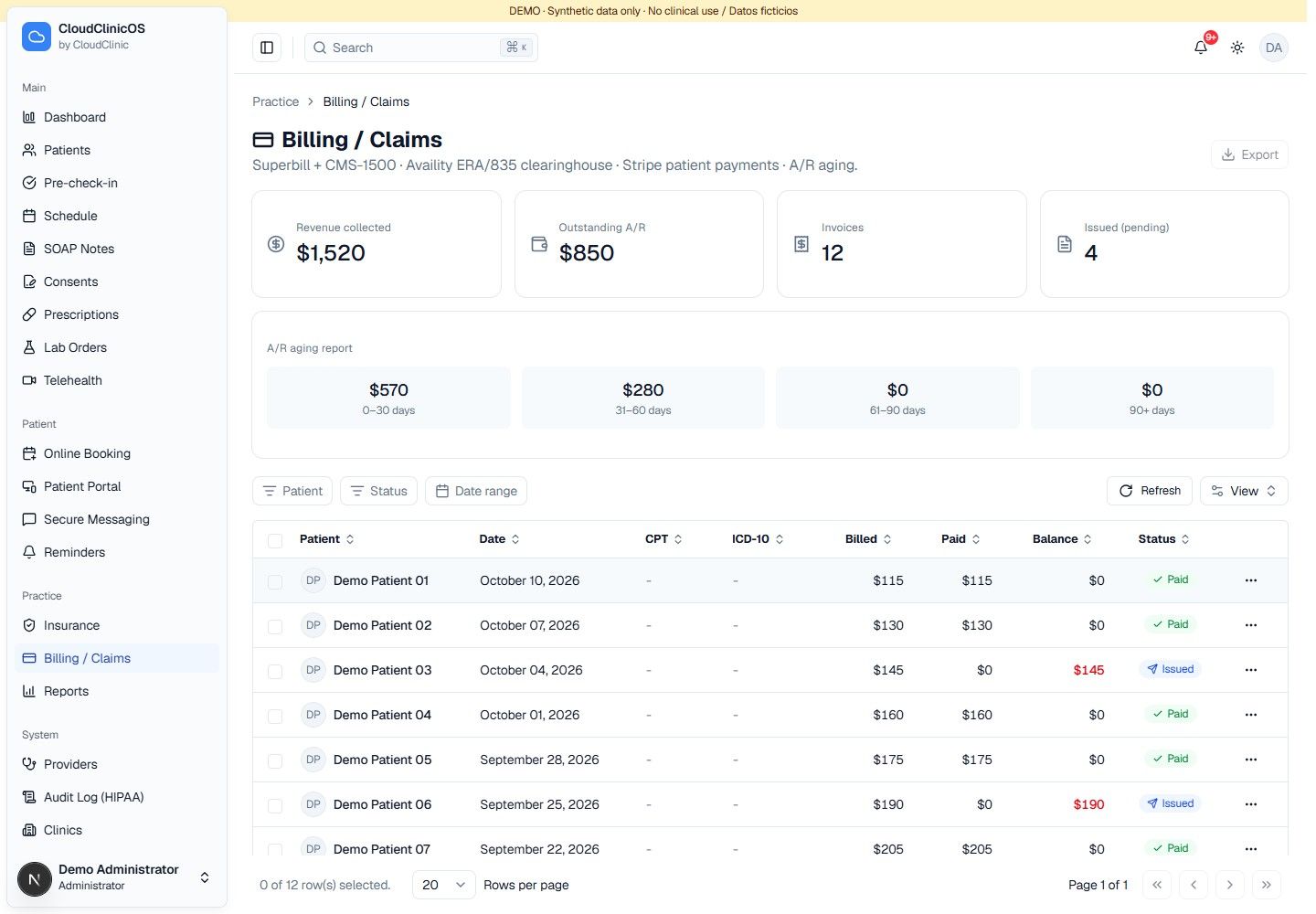
04

Give the back office a clearer next action.

Keep coverage, verification work and invoice information close to the visit instead of scattered across spreadsheets.

  • Insurance coverage and payer information
  • Verification and prior-authorization status tracking
  • Invoice detail, balances and operational reporting
Give the back office a clearer next action.. Demonstration interface with synthetic data.
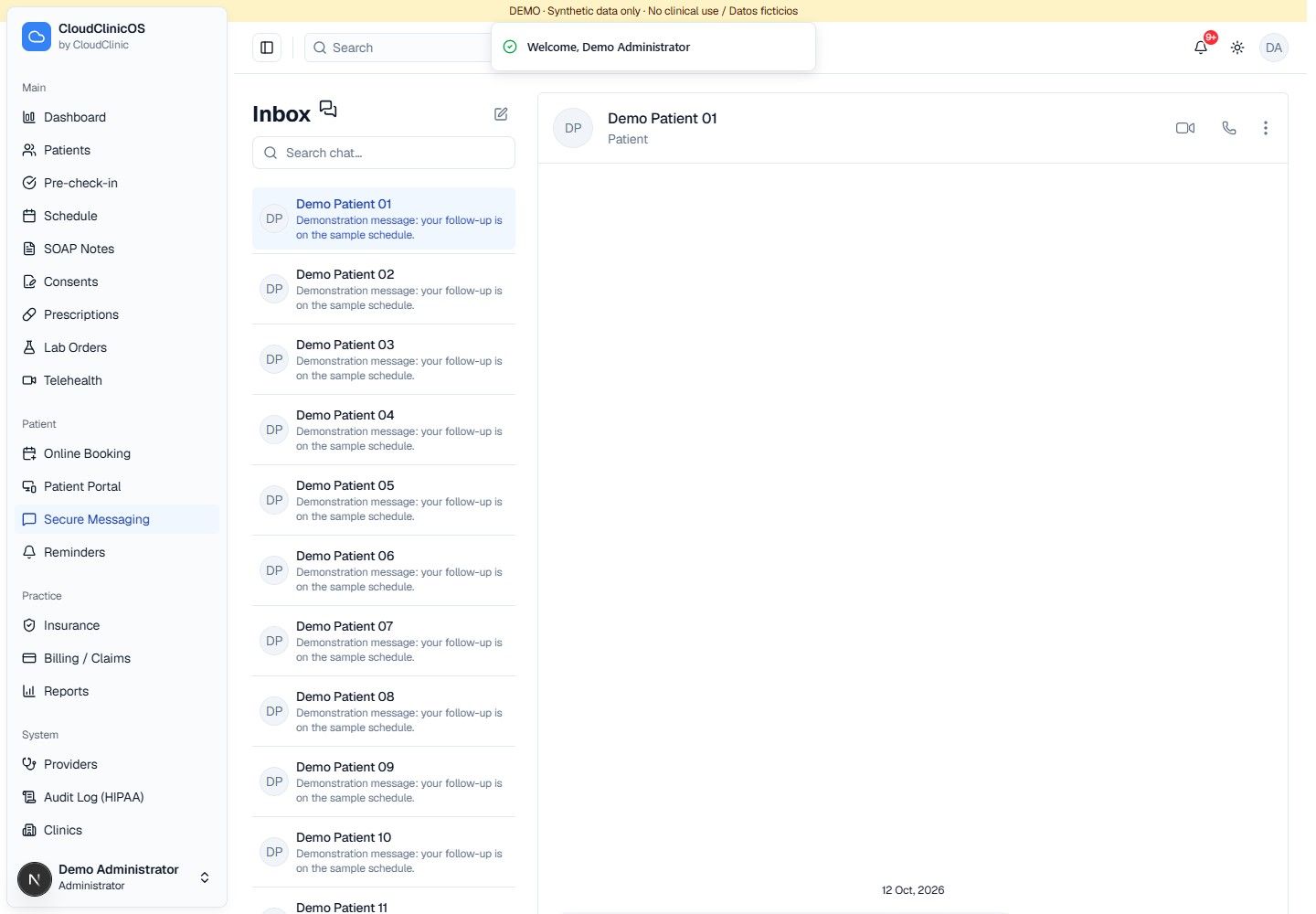
05

Stay connected between appointments.

Manage patient communication and virtual visits alongside your practice's clinical and administrative work.

  • Patient-linked message conversations
  • Telehealth sessions and consent checks
  • Reminder workflows with SMS configuration when enabled
Stay connected between appointments.. Demonstration interface with synthetic data.
06

See your practice beyond the next appointment.

Bring operational activity, team access and clinic configuration into view as your practice grows.

  • Patient, visit and invoice-based reports
  • Provider schedules, team roles and clinic locations
  • Onboarding, help resources and outreach organization
See your practice beyond the next appointment.. Demonstration interface with synthetic data.

Explore the platform

The full picture of your practice.

Choose a workflow and see what your team can do. External services are configured separately to match your practice.

Front desk & scheduling

Make the next appointment easier to coordinate.

Scheduling
Manage appointments, provider availability and calendar views.
Online booking
Coordinate available time slots and create appointments from the booking workflow.
Pre-check-in
Track arrival and preparation status before the visit.
Intake forms
Review submitted questionnaires and patient intake details.
Consents
Create, track, update and revoke consent records.
Reminders
Prepare reminders and track communication activity.
SMS delivery requires a configured messaging service.

Clinical workspace

Keep documentation tied to the patient's story.

Patient records
Manage demographics, identifiers, providers, allergies, conditions and medications.
SOAP notes
Save drafts, sign notes and document amendments.
Vital signs
Capture visit observations and calculate BMI.
Prescriptions
Create and manage prescription records, status and pharmacy information.
Direct pharmacy transmission requires a separate e-prescribing integration.
Lab orders
Create, prioritize, update and track laboratory requests.
Laboratory network connectivity is configured separately.
Document records
View documents already attached to the patient record.

Billing & insurance

Give administrative work a place in the patient workflow.

Insurance coverage
Keep payer, policy, member and coverage information on file.
Verification & authorizations
Track verification status, copays, expiry dates and prior-authorization progress.
Live payer eligibility is a separate integration.
Billing & claims workspace
Review invoice records, line items, balances and billing status.
Clearinghouse submission and payment processing depend on the selected integrations.

Communication & virtual care

Coordinate the conversations around care.

Patient messaging
View patient-linked conversations and record outgoing messages.
Telehealth
Manage virtual appointments, consent status and video visit workflows.
Video service setup is required.
Patient portal overview
Review a patient-facing information preview, upcoming appointments and record summaries.
Independent patient self-service access is part of the portal roadmap.

Practice & team management

Give the right people the right context.

Operational dashboard
See appointment and patient activity for the practice.
Reports
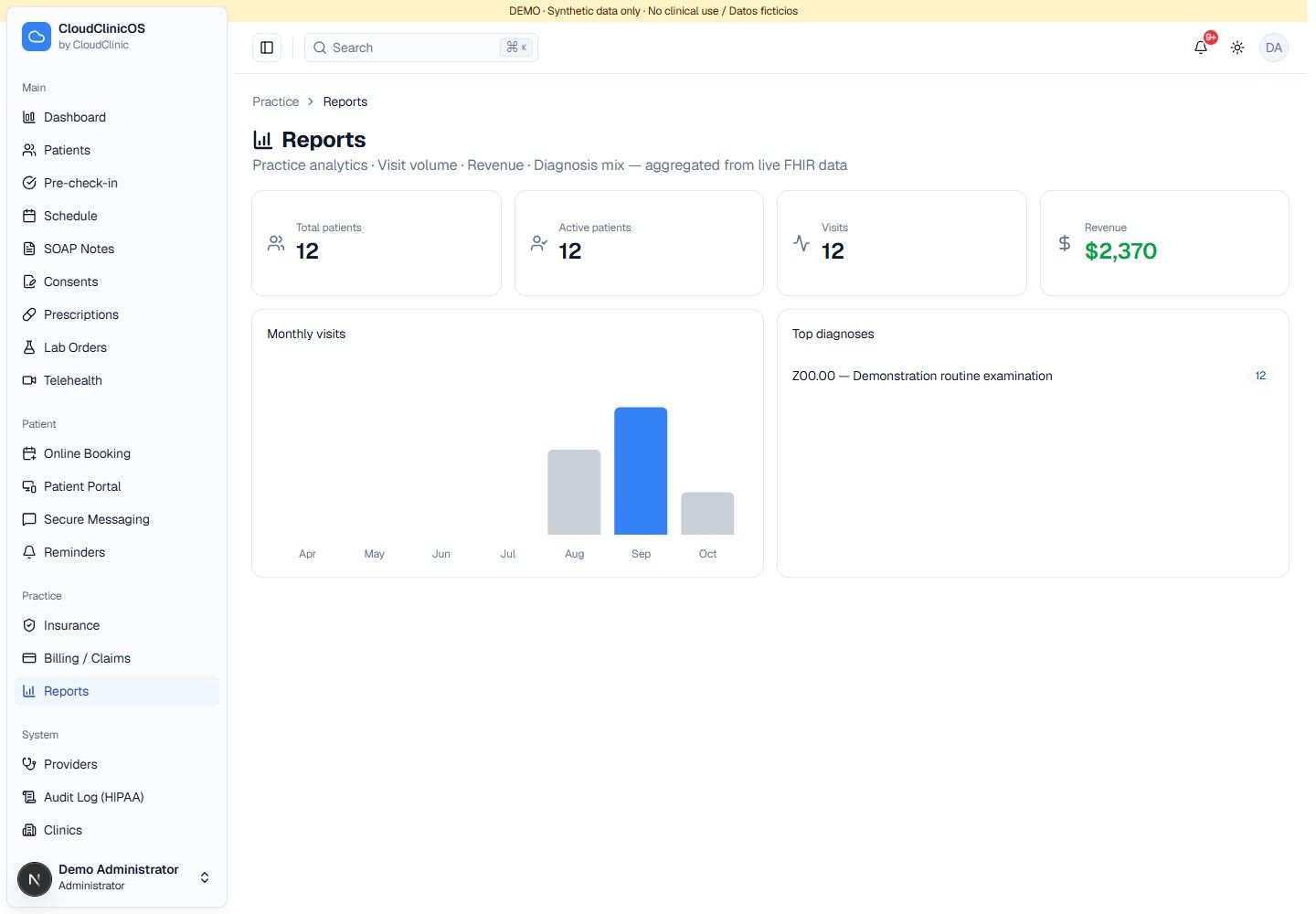
Review patient totals, visit trends, invoice-based revenue and diagnosis summaries.
Providers
Maintain provider profiles and availability.
Clinic locations
Configure practice locations and their details.
Users & roles
Invite team members, assign roles and manage access status.
Audit trail
Review recorded activity on patient data.

Growth & administration

Keep setup and everyday operations organized.

Outreach workspace
Organize leads, campaigns and follow-up status.
Guided onboarding
Track practice setup, provider readiness and implementation steps.
Clinic settings
Maintain clinic preferences, appearance and account settings.
Help center
Find support topics and frequently asked questions.
Subscription workspace
Review practice subscription options.
Automated checkout and subscription payments are planned; current flows are demonstrations.
Platform administration
Manage clinic accounts and account status with platform-level permissions.

Built for the people doing the work

One platform. Different responsibilities.

Keep the work connected while giving each person access that fits their role.

Front desk

Appointments, patient registration, intake, check-in and communication.

Providers & nurses

Clinical context, documentation, consents and the visit workflow.

Billing team

Coverage, verification tracking, invoice information and reports.

Practice administrators

Team access, providers, clinic configuration and audit visibility.

Control you can see

A clearer record of who did what.

Clinical operations need defined access and traceability. Cloud Clinic OS uses Medplum's FHIR-based data layer with access policies and audit events, alongside application-level role controls.

Access by role

Permissions for administrators, providers, nurses, front desk and billing.

Recorded activity

Audit records support review of access and actions involving patient data.

Session safeguards

Automatic idle-session handling helps protect unattended workspaces.

Structured clinical data

FHIR resources connect patients, encounters, prescriptions, orders and administrative records.

We review the deployment, service configuration and required agreements with your practice during implementation.

Make it work for your practice

Start with your workflow, then build around it.

A useful implementation begins with how your practice actually operates.

  1. 01

    Map your priorities

    Walk through your scheduling, documentation, billing and communication needs in a product demo.

  2. 02

    Configure the workspace

    Define your team roles, providers, clinic details and the external services your practice needs.

  3. 03

    Prepare your team

    Agree on onboarding, data preparation and day-to-day responsibilities before going live.

Before you book a demo

Questions a practice should ask.

Cloud Clinic OS is Cloud Clinic's workspace for clinical and practice operations. It brings together scheduling, patient records, documentation, administrative work and team coordination. The demo focuses on the workflows most relevant to your practice.

The patient chart is one part of the platform. Your team can also work with appointments, intake, consents, coverage, invoice records, communication, reports and practice administration.

Yes. The application supports administrator, provider, nurse, front desk and billing roles. Data access is controlled through permissions, so shared workflow context does not mean unrestricted access.

The code includes configurable SMS and video workflows. Live payer eligibility, direct pharmacy transmission, laboratory connections, clearinghouse services and payment processing require separate setup or integrations. We confirm the specific availability for your practice before implementation.

The current platform includes an administrative patient portal overview. Independent patient login, self-service records, payments and real-time two-way messaging are part of the portal roadmap and should be confirmed in your demo.

You can discuss Cloud Clinic's medical office support alongside the software. The scope of support, responsibilities and access should match the needs of your practice.

Book a product demo. We review your team, workflow, implementation needs and required integrations, then discuss the appropriate scope and pricing. The page does not assume one package fits every practice.

Your next step

Let's walk through your practice day.

Show us where work gets stuck. We'll show you how Cloud Clinic OS connects the next appointment, the patient record and the team behind it.

A focused conversation about your workflow and the capabilities your practice needs.